Photo guide — 2 minute read
Best photo for a custom pet shirt
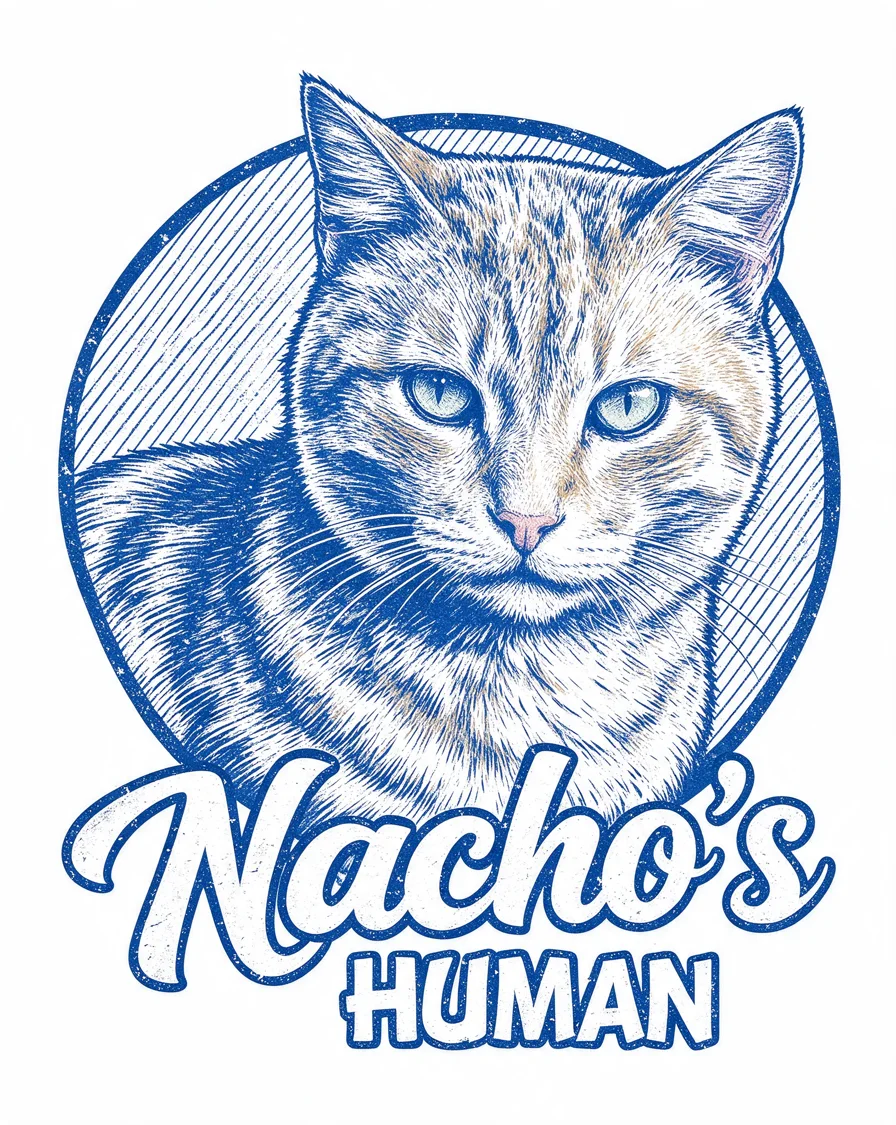
The best photo for a custom pet shirt is a clear, well-lit phone shot with your pet's face and ears in frame. That's it — four quick rules below, then upload it, add their name, and your $34 tee on a black Gildan 5000 is printed on demand via mrch.shop.
The 4 photo rules
1
Face and ears in frame
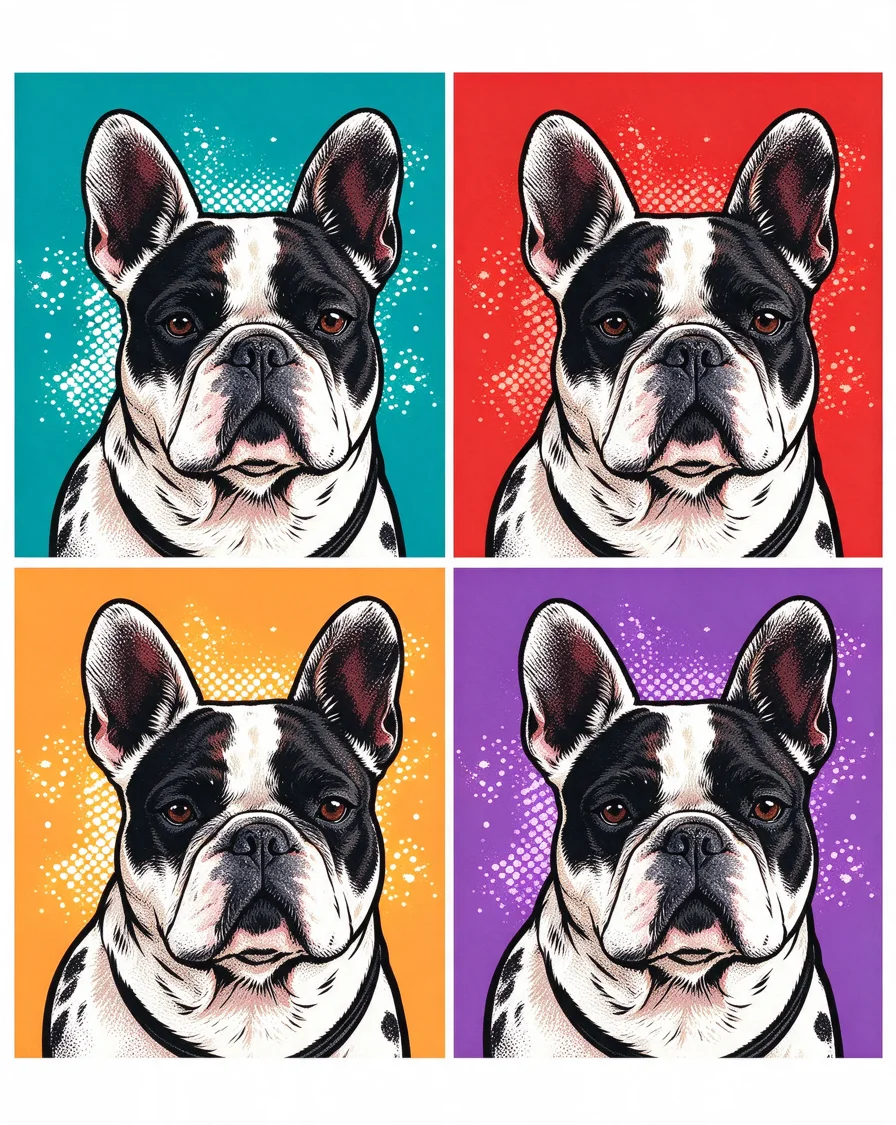
The design is drawn around your pet's face, so give it room: face forward, ears visible, a little space around the head. Cropped-out ears make every style harder.
2
Daylight, no heavy shadows
Stand near a window or step outside. Even daylight keeps coat colors true; harsh lamps and heavy shadows turn black pets into silhouettes.
3
One pet per photo
Each shirt features one pet, so send one pet per photo. Multi-pet households: pick your strongest solo shot of each and make one shirt per legend.
4
Sharp, not a screenshot
Use the original photo, not a screenshot of it — screenshots compress the detail the design needs. Any recent phone photo is sharp enough.
Photo questions
Can I use a phone photo for a custom pet shirt?
Yes — phone photos are perfect. A clear, well-lit shot where your pet's face is visible is all the design needs.
What if my pet is black or dark-coated?
Shoot in daylight near a window so their features read clearly. The Airbrush and Lightning Portrait styles are especially flattering on dark coats.
Can I use a photo with two pets?
Each shirt features one pet, so pick a solo shot. If you only have group photos, crop to one pet — as long as the crop stays sharp and the face and ears are in frame.
Do old photos work?
If they're sharp and well-lit, yes — including photos of pets who've passed. The memorial shirt guide has gentle advice for choosing one.